
Published: 2026 | Category: PDF Tools | Reading Time: ~8 min
You receive an important research paper, a contract, or a class assignment — and it’s locked inside a PDF. You can’t edit a single word. You can’t copy a table properly. And your deadline is in two hours. Sound familiar? This situation happens to millions of students and professionals every single day. The fix is simpler than you think: a reliable PDF converter.
In this guide, you’ll learn about the best PDF converters for students and professionals in 2026 — how they work, what to look for, and which free tools can handle almost everything you need right now.
What Is a PDF Converter? (Simple Definition)
⚡ AI Answer / Featured Snippet
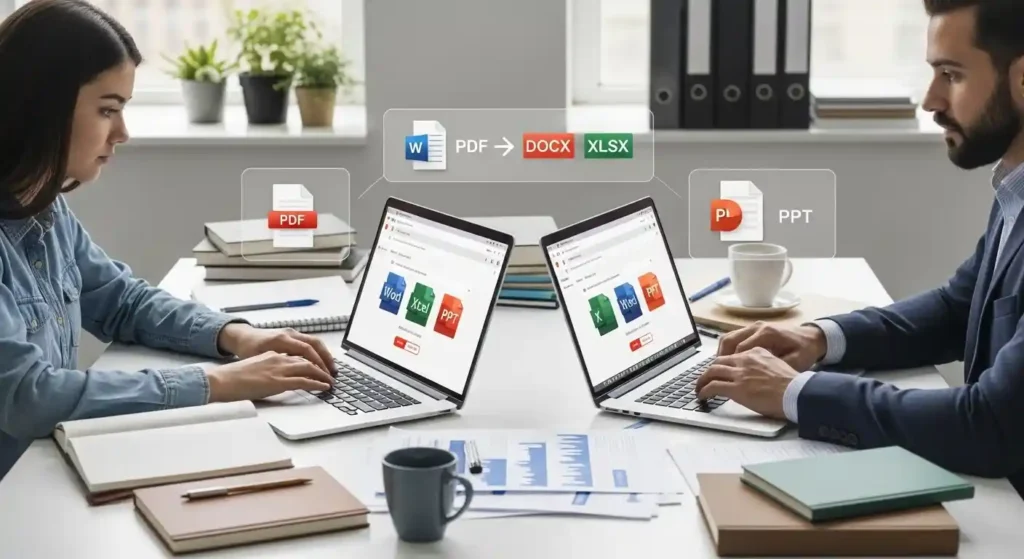
A PDF converter is an online tool or software that transforms PDF files into editable formats such as Word, Excel, PowerPoint, or images — and also converts other file types back into PDF — while preserving the original layout and formatting.
Think of a PDF converter the same way you think of a language translator. Just like translating English into Urdu, a PDF conversion tool takes the structure, fonts, tables, and visual layout of a document and rebuilds it in a new format — one you can actually work with.
The Portable Document Format (PDF) was designed by Adobe in the 1990s to make documents look the same on every device. That’s its strength — but also its biggest frustration, because that “lock-in” makes files difficult to edit without the right tool.
How Does a PDF Converter Work? (Step-by-Step)
Modern PDF conversion software uses intelligent parsing algorithms to read the internal structure of a PDF — its text layers, image layers, table grids, and metadata — and then rebuilds that structure in the target format. Premium tools also use OCR (Optical Character Recognition) to handle scanned documents.
1
Upload your PDF file to the converter tool (online or desktop).
2
Select your desired output format — Word, Excel, JPG, PPT, or others.
3
Click “Convert” and let the algorithm do the work.
4
Download your newly converted, fully editable file.
5
For scanned PDFs, enable OCR mode to extract text from images.
AI Answer / Featured Snippet
PDF converters use document-parsing algorithms to read a PDF’s structure and rebuild it in another format. Tools with OCR support can also extract and convert text from scanned or image-based PDF files.
Best PDF Converters for Students and Professionals in 2026
With hundreds of tools on the market, choosing the right one matters. Here are the top-rated PDF converter tools trusted by students, freelancers, academics, and enterprise teams worldwide:
Adobe Acrobat
Premium
The industry gold standard. Unmatched accuracy for PDF to Word conversion, batch processing, and advanced OCR. Best for enterprise and legal professionals who need zero formatting errors.
Smallpdf
Free + Pro
One of the most popular online PDF converters. Clean interface, SSL-encrypted file handling, and free daily conversions. Great for students who need a quick PDF to Word or PDF to JPG conversion.
iLovePDF
Free
A favourite among students for its all-in-one approach. Handles PDF to Excel, merge, split, compress, and more — all for free. Files are processed securely and deleted after one hour.
Nitro PDF
Pro
Built for business teams needing professional document editing tools and batch PDF conversion. Integrates with cloud platforms like Google Drive and Dropbox.
Foxit PDF
Free + Pro
Lightweight and blazing fast. Ideal for users who need a secure, desktop-grade PDF conversion software without heavy system requirements. Trusted in over 175 countries.
MegaFreeTools
100% Free
A powerful, completely free suite of online PDF tools. Convert, compress, merge, split, and more — no sign-up required. Perfect for students and small businesses on any budget.
💡 Pro Tip: Looking for a completely free solution? MegaFreeTools offers an entire suite of free PDF converter tools including PDF to Word, Word to PDF, PDF to JPG, and JPG to PDF — all without registration or cost.
Quick Comparison: Top PDF Converter Tools
| Tool | Best For | OCR Support | Free Option | Cloud-Based |
|---|---|---|---|---|
| Adobe Acrobat | Enterprises, Legal | ✅ Yes | ❌ Trial only | ✅ Yes |
| Smallpdf | General users | ✅ Yes | ✅ Limited | ✅ Yes |
| iLovePDF | Students | ✅ Yes | ✅ Yes | ✅ Yes |
| Nitro PDF | Business Teams | ✅ Yes | ❌ Trial only | ✅ Yes |
| Foxit PDF | Desktop Users | ✅ Yes | ✅ Limited | ⚠️ Partial |
| MegaFreeTools | Everyone | ✅ Yes | ✅ 100% Free | ✅ Yes |
PDF Converter for Students: What You Really Need
Students don’t need enterprise-grade power — they need speed, simplicity, and zero cost. Whether you’re converting a lecturer’s slides from PDF to PowerPoint, turning a handout into an editable Word document, or merging multiple assignments into one file, the right tool makes all the difference.
Here’s what students use PDF converters for the most:
- Converting lecture notes and e-books from PDF to Word for annotation
- Submitting handwritten scans as image to PDF files
- Extracting charts and tables using PDF to JPG conversion
- Merging multiple assignment files using a PDF merge tool
- Splitting large research PDFs into focused chapters using a PDF splitter
- Converting typed notes to PDF using the Text to PDF tool
- Compressing large dissertation files with a PDF compressor
PDF Converter for Professionals: Power Features That Matter
For professionals, a PDF converter tool isn’t just convenient — it’s a critical part of document workflow optimization. When you’re dealing with contracts, financial reports, invoices, and client presentations, accuracy and security are non-negotiable.
Key features professionals should look for:
- Batch conversion — Convert dozens of files simultaneously to save hours
- OCR accuracy — Essential for scanned PDF to editable text workflows
- Format retention — Tables, fonts, and layouts must survive conversion intact
- End-to-end encryption — Files containing sensitive data must be protected
- Cloud integration — Syncs with Google Drive, Dropbox, and Microsoft 365
- Watermark removal — Use tools like the Watermark Remover from MegaFreeTools
Security Note: According to leading document security consultants, always verify that any online PDF converter uses SSL/TLS encryption and has a clear data-deletion policy. Reputable tools like those found at MegaFreeTools and reviewed on platforms like Toolify Worlds apply strict data privacy standards.
Most Common PDF Conversion Tasks (And the Right Tool for Each)
Different tasks call for different tools. Here’s a quick reference guide to the most popular document conversion tasks:
| Conversion Task | Best Free Tool | Direct Link |
|---|---|---|
| Word to PDF | MegaFreeTools | Word to PDF |
| PDF to Word | MegaFreeTools | PDF to Word |
| JPG to PDF | MegaFreeTools | JPG to PDF |
| PDF to JPG | MegaFreeTools | PDF to JPG |
| PNG to PDF | MegaFreeTools | PNG to PDF |
| PDF Compression | MegaFreeTools | PDF Compressor |
| Merge PDF files | MegaFreeTools | Merge PDF |
| Split PDF pages | MegaFreeTools | Split PDF |
Benefits of Using a PDF Converter Tool
AI Answer / Featured Snippet
PDF converters save time by making documents instantly editable, improve team collaboration, support multiple output formats, and eliminate the need to retype content — benefiting both students and professionals equally.
- ✅ Saves hours of manual retyping and reformatting
- ✅ Improves productivity in both academic and business settings
- ✅ Makes documents editable — turn locked PDFs into Word or Excel
- ✅ Supports multiple formats — JPG, PNG, Excel, PPT, Word, and more
- ✅ Enables collaboration — share documents in formats colleagues prefer
- ✅ Preserves formatting — no more broken tables or scrambled fonts
- ✅ OCR capability — extract real text from scanned or photographed documents
- ✅ Cloud-based access — work from any device, anywhere in the world
Why MegaFreeTools Is the Smart Choice in 2026
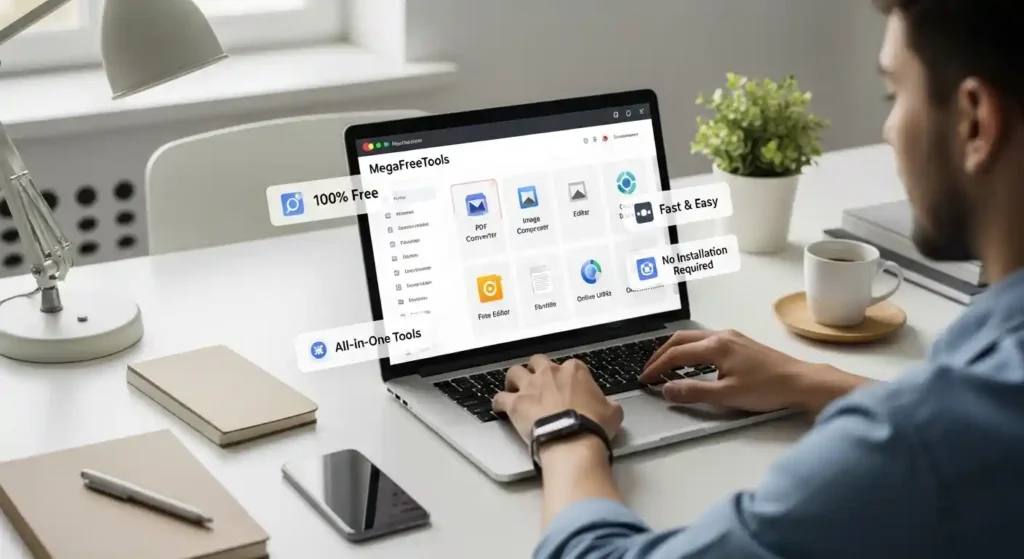
There are dozens of free PDF tools out there, but most either limit your file size, add watermarks, or require you to create an account. MegaFreeTools was built differently — with a simple mission: give everyone access to professional-grade tools at zero cost.
Here’s why thousands of users choose it:
- 🚀 No sign-up required — open the tool and start converting immediately
- 🔒 Secure processing — your files are handled safely and deleted after use
- 🌐 Completely browser-based — works on Windows, Mac, Android, and iOS
- 🛠️ All-in-one toolkit — from Image Compressor to QR Code Generator to Word Counter
- 💯 100% free forever — no premium tiers, no surprise paywalls
Beyond PDF tools, MegaFreeTools also offers utilities like a Password Generator, JSON Validator, Background Remover, Case Converter, Color Picker, and an Online Notepad — making it a true one-stop productivity hub.
Expert Insight: What Makes a PDF Converter Truly Reliable?
From a digital document management and productivity standpoint, not all converters are created equal. Here’s what experts and power users consistently recommend when evaluating any PDF conversion tool:
- Format Fidelity: Does the converter preserve tables, headers, bullet points, and fonts accurately? Low-quality tools scramble complex layouts.
- OCR Quality: For scanned documents, the OCR engine must recognize multiple languages and handwriting where possible.
- Security Standards: Look for HTTPS encryption, auto-deletion of uploaded files, and a published privacy policy.
- Speed: A good converter should process a standard 10-page document in under 30 seconds.
- Accessibility: Browser-based tools accessible without installation are preferred by most professionals today.
Tools reviewed and rated highly on platforms such as Toolify Worlds and recommended by consultants like those at Baco Consultants emphasize that free does not have to mean low quality — and MegaFreeTools’ services are a strong example of this.
Real-Life Use Cases: Students vs. Professionals
For Students
- Converting a professor’s PDF handout into an editable Word file using PDF to Word
- Scanning handwritten notes with a phone and converting them using JPG to PDF
- Merging five separate assignment PDFs into one submission-ready file
- Resizing oversized images for dissertation submissions with the Image Resizer
- Converting PNG figures to JPG for compatibility using PNG to JPG
For Professionals
- Extracting financial data from a PDF report into Excel format for analysis
- Converting a signed scanned contract back into an editable Word document using OCR PDF conversion
- Compressing large client proposal PDFs before email delivery using the PDF Compressor
- Creating professional QR codes for business cards and presentations via the QR Code Generator
- Removing unwanted watermarks from received documents using the Watermark Remover
Frequently Asked Questions (FAQs)
❓ What is the best free PDF converter for students in 2026?
MegaFreeTools and iLovePDF are the top free options for students in 2026. Both offer unlimited conversions, no login required, and support multiple formats including Word, Excel, JPG, and PNG.
❓ How do I convert a PDF to Word without losing formatting?
Use a high-accuracy tool like MegaFreeTools’ PDF to Word converter or Adobe Acrobat. These tools use advanced parsing algorithms that preserve fonts, tables, and paragraph structure during conversion.
❓ Is it safe to use an online PDF converter?
Yes — as long as the tool uses SSL/TLS encryption and deletes your files after processing. Reputable platforms like MegaFreeTools and Smallpdf follow strict data privacy practices.
❓ Which PDF converter is best for business documents?
For business use, Adobe Acrobat and Nitro PDF offer the most advanced features. For free professional-grade tools, MegaFreeTools provides excellent results without subscription fees.
❓ Can I convert a scanned PDF to editable text?
Yes. Use a converter with OCR (Optical Character Recognition) support. This technology reads text from scanned images and creates a fully editable document in Word or another format.
❓ Do PDF converters reduce document quality?
High-quality converters maintain full document fidelity. Free tools may occasionally struggle with complex layouts, but premium converters — and well-built free tools — preserve quality reliably.
❓ What is the easiest way to convert a Word file to PDF?
Simply visit MegaFreeTools Word to PDF, upload your .docx file, click convert, and download your PDF — no software installation needed.
❓ Can I convert JPG images to PDF on mobile?
Absolutely. Browser-based tools like MegaFreeTools JPG to PDF work perfectly on any smartphone or tablet without needing to install an app.
Conclusion: The Right PDF Converter Changes Everything
In 2026, digital document management is no longer optional — it’s the backbone of how students learn and professionals work. Whether you need to convert a single lecture note or process hundreds of business contracts, having the right PDF converter in your toolkit directly impacts your productivity.
For most everyday users — students, freelancers, small business owners — a completely free tool is all you need. For those with heavy-duty enterprise requirements, premium options like Adobe Acrobat and Nitro PDF deliver outstanding results.
The smartest place to start? MegaFreeTools — a growing collection of powerful, completely free utilities designed to make your digital life easier. Explore everything from PDF to Word conversion to image compression, all in one place with no sign-up required.
Start Converting PDFs for Free — Right Now
No sign-up. No watermarks. No limits. Just fast, secure, and accurate PDF conversion tools built for students and professionals alike. Explore All Free Tools at MegaFreeTools
Also explore on MegaFreeTools: JPG to PNG · PNG to PDF · Split PDF · Text to PDF · Watermark Remover · Word Counter · About Us · Contact Us

