The best tools for frontend developers in 2026 include Visual Studio Code or WebStorm for coding, Git and GitHub for version control, Vite for fast builds, Tailwind CSS for styling, Chrome DevTools for debugging, and AI coding assistants like GitHub Copilot and Cursor AI. Together, these tools cover the full frontend workflow from writing code to deploying it.
Introduction
Frontend development has changed faster in the last few years than in the decade before it. AI-assisted coding, faster build tools, and smarter browser DevTools have reshaped what a “modern frontend workflow” actually looks like. If you’re a beginner picking your first code editor or a senior engineer trying to tighten up your team’s frontend development tools stack, having the right toolkit makes a measurable difference in speed, code quality, and sanity.
This guide walks through the essential software every frontend developer should know in 2026 — from code editors and AI coding tools to package managers, testing frameworks, and deployment platforms. Along the way, we’ll also point you toward free utilities, like the ones available through the Mega Free Tools hub, that can save you time on everyday tasks that don’t need a full IDE.
What Are Frontend Developer Tools?
Frontend developer tools are the software applications, browser extensions, libraries, and platforms used to write, test, debug, and deploy the visual and interactive parts of a website or web application — essentially everything a user sees and interacts with in their browser. This includes code editors, version control systems, CSS frameworks, JavaScript libraries, build tools, and browser inspection utilities.
Unlike backend tools, which focus on servers, databases, and APIs, frontend tools are built around the browser rendering pipeline: HTML structure, CSS styling, JavaScript interactivity, and performance in real user conditions.
Why Frontend Tools Matter for Developer Productivity
A well-chosen toolkit reduces repetitive work, catches bugs earlier, and keeps teams consistent. Here’s why it matters:
- Faster iteration — tools like Vite and hot module replacement let you see changes instantly.
- Fewer bugs in production — linting tools, browser DevTools, and testing frameworks catch issues before users do.
- Better collaboration — Git and GitHub keep teams in sync across branches and pull requests.
- Improved accessibility and performance — tools like Lighthouse help meet Core Web Vitals and WCAG standards.
- AI-assisted speed — AI coding assistants can cut boilerplate work significantly, letting developers focus on logic and design.
Best Code Editors and IDEs for Frontend Developers
Your code editor is the foundation of your entire frontend development environment, so this choice matters more than almost any other tool decision.
Visual Studio Code
Visual Studio Code (VS Code), built by Microsoft, remains the most widely used code editor among frontend developers. It’s free, lightweight, and supported by a massive extension marketplace covering everything from ESLint integration to Git visualization. For most beginners and professionals alike, VS Code is the default starting point for a frontend developer toolkit.
WebStorm
WebStorm, from JetBrains, is a full-featured IDE built specifically for JavaScript and TypeScript development. It comes with built-in refactoring tools, debugging support, and deep framework integration for React, Vue, and Angular. It’s a paid tool, but many professional teams find the productivity gains worth the subscription — a common comparison point in the “VS Code vs WebStorm” debate.
Other Notable Editors
- Sublime Text — fast and minimal, popular for quick edits.
- Zed — a newer, high-performance editor gaining traction among developers who want speed.
- Atom — largely discontinued but still referenced historically.
AI Coding Assistants: The New Standard
AI-assisted coding is no longer optional in most professional frontend development workflows. These tools handle boilerplate, suggest fixes, and even generate entire components from natural language prompts.
- GitHub Copilot — deeply integrated into VS Code, offering inline code suggestions and chat-based debugging help.
- Cursor AI — an AI-native code editor built around agentic coding, popular for larger refactors and multi-file edits.
- Claude Code — an agentic coding tool that can be delegated tasks directly from the terminal or IDE, useful for larger codebase changes.
- Windsurf — another AI-first editor focused on autonomous coding workflows.
When comparing GitHub Copilot vs Cursor AI, the general rule of thumb is: Copilot integrates well into an existing VS Code setup, while Cursor and similar AI-native editors are built from the ground up around AI-assisted, multi-step coding tasks.
Version Control and Collaboration Tools
No modern frontend developer toolkit is complete without solid version control.
- Git — the industry-standard version control system for tracking code changes.
- GitHub — the most popular platform for hosting Git repositories, managing pull requests, and running CI/CD pipelines.
- GitLab and Bitbucket — alternative platforms with similar Git-hosting capabilities, often used in enterprise settings.
Understanding Git workflows — branching, merging, and resolving conflicts — is considered a non-negotiable skill for any professional frontend engineer.
Build Tools, Bundlers, and Package Managers
Vite vs Webpack
Vite has become the default build tool for many new frontend projects because of its near-instant dev server startup and fast hot module replacement. Webpack, while older and more configurable, is still widely used in legacy and enterprise codebases. For most new projects in 2026, Vite is the faster, simpler choice — though Webpack remains relevant for complex, highly customized build pipelines.
Package Managers: npm vs pnpm vs Yarn
- npm — the default package manager bundled with Node.js.
- pnpm — faster and more disk-efficient thanks to its content-addressable storage approach.
- Yarn — offers workspace support and was historically faster than npm, though the gap has narrowed.
For monorepos or large projects, many teams now prefer pnpm or tools like Turborepo and Nx for managing multiple packages efficiently.
CSS Frameworks and Styling Tools
Tailwind CSS has become the dominant utility-first CSS framework, prized for speeding up UI development without writing custom CSS for every component. Bootstrap remains popular for teams that want pre-built components out of the box. Beyond frameworks, developers also rely on Sass for CSS preprocessing and design systems built around reusable component libraries like shadcn/ui.
If you need to quickly test or clean up styling assets, a color picker tool can help you grab exact hex values from any image without opening a full design app.
Browser DevTools and Debugging
Chrome DevTools is arguably the most-used debugging tool in frontend development. It lets you inspect the DOM, debug JavaScript, analyze network requests, and audit performance — all without leaving the browser. Firefox and Safari offer comparable built-in developer tools as well.
Key DevTools use cases include:
- Inspecting and editing CSS live
- Setting breakpoints to debug JavaScript step by step
- Analyzing Core Web Vitals with the Lighthouse panel built into Chrome
- Testing responsive design across device sizes
For quick debugging notes or logging output during testing, many developers keep a free online notepad open alongside DevTools to track findings without cluttering their code editor.
Testing and Quality Assurance Tools
Reliable frontend applications depend on a solid testing strategy:
- Jest and Vitest — popular unit testing frameworks for JavaScript and TypeScript.
- Cypress and Playwright — end-to-end testing tools that simulate real user interactions in the browser.
- ESLint and Prettier — linting and formatting tools that catch errors and enforce consistent code style.
- Biome — a newer, faster alternative to running ESLint and Prettier separately, gaining adoption for its speed.
The “ESLint vs Biome” comparison is becoming increasingly common as teams look for faster tooling without sacrificing code quality checks.
Design and UI Prototyping Tools
Figma is the industry standard for UI/UX design and prototyping, widely used for handing off designs from designers to frontend developers. Adobe XD, while less dominant than before, is still used in some enterprise design workflows. Newer AI-powered “design-to-code” tools can now convert Figma files directly into React or HTML/CSS components, cutting down manual implementation time significantly.
If you need to convert design assets or documentation between formats during handoff, tools like JPG to PNG or image compressor can help keep design files lightweight before they go into your codebase.
Deployment and Hosting Platforms
Netlify vs Vercel
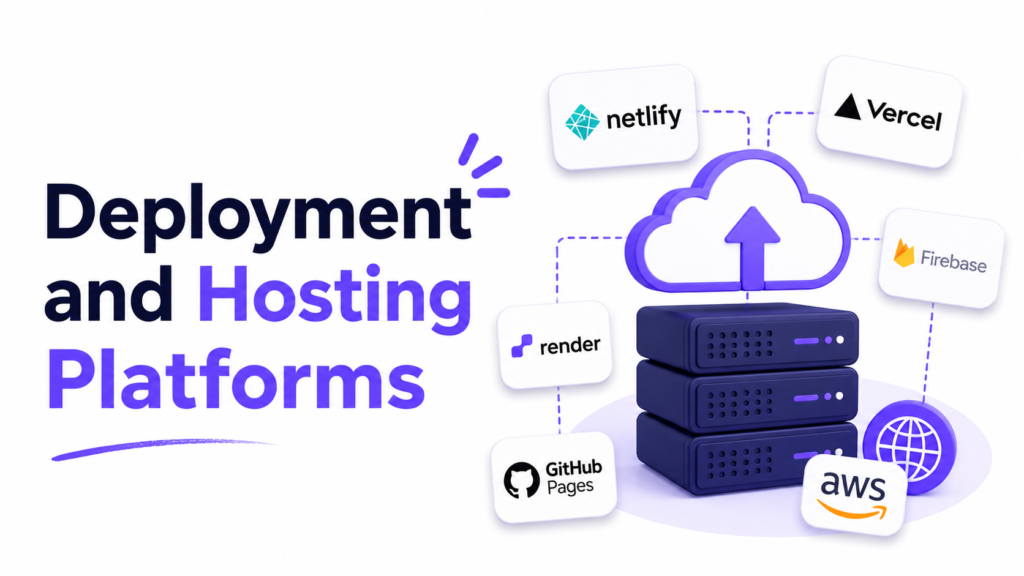
Vercel, built by the creators of Next.js, offers tightly integrated deployment for React and Next.js projects with automatic previews for every pull request. Netlify offers similar functionality with a strong focus on JAMstack deployments and serverless functions. Both platforms offer generous free tiers, making the “Netlify vs Vercel” decision largely about which framework ecosystem you’re already using.
Other notable platforms include GitHub Pages for static sites and Cloudflare Pages for edge-optimized deployments.
API Testing and Documentation Tools
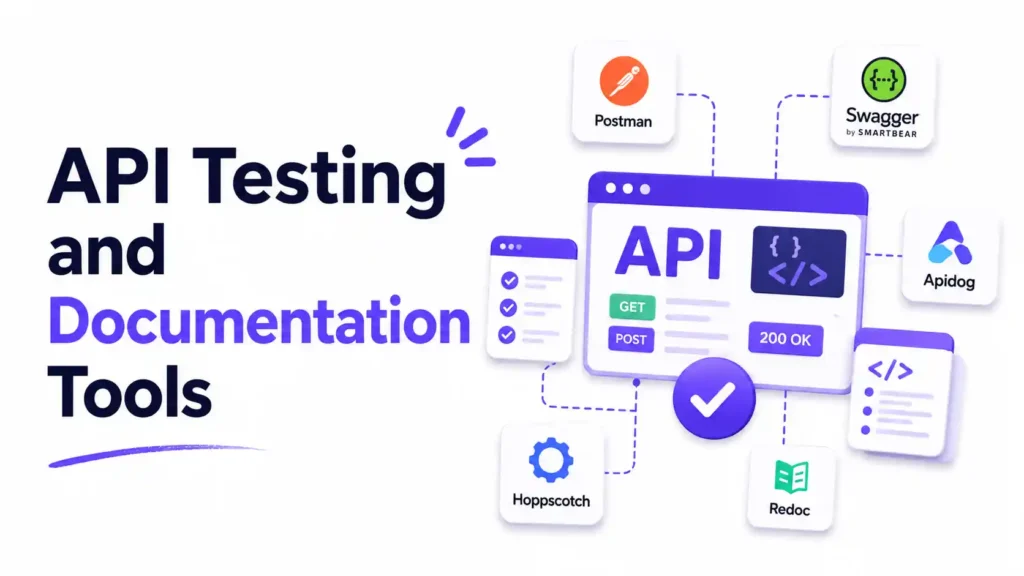
Postman remains the go-to tool for testing REST and GraphQL APIs during frontend-backend integration work. It allows developers to send requests, inspect responses, and document API behavior without writing custom test scripts.
If your workflow involves validating structured data returned from APIs, a JSON validator is a quick way to check formatting before you wire it into your frontend code.
Best Free Tools for Frontend Developers
Not every task requires a paid subscription or a heavyweight application. Here are reliable free tools worth having on hand:
- VS Code — free, open-source code editor with a massive extension library.
- Git and GitHub — free version control and repository hosting (with free private repos).
- Chrome DevTools — built directly into the browser at no cost.
- Vite — free, open-source build tool.
- Tailwind CSS — free utility-first CSS framework.
- Postman (free tier) — sufficient for most individual API testing needs.
- Mega Free Tools — a collection of browser-based utilities including a PDF compressor, password generator, QR code generator, and word counter for everyday tasks that don’t need a dedicated app.
For developers assembling documentation or reports around a project, tools like text to PDF or merge PDF can help package deliverables quickly without extra software installs.
Common Mistakes Frontend Developers Make With Tooling
- Installing too many extensions — this slows down the editor and creates conflicts.
- Skipping version control basics — relying on manual file backups instead of learning Git properly.
- Ignoring accessibility tools — shipping UI without testing against WCAG guidelines.
- Over-relying on AI coding tools — accepting AI-generated code without reviewing it for correctness or security issues.
- Not measuring performance — skipping Lighthouse or Core Web Vitals checks until after launch.
- Sticking with Webpack out of habit — even when a project would benefit from Vite’s faster dev experience.
- Neglecting responsive testing — only checking layouts on a single screen size during development.
Practical Examples: Building a Simple Frontend Workflow
Here’s what a modern, lightweight frontend development workflow might look like in practice:
- Scaffold a new project using Vite with a React or Vue template.
- Write components in VS Code, using GitHub Copilot for boilerplate and repetitive patterns.
- Style the UI with Tailwind CSS, referencing a Figma design file for accuracy.
- Run ESLint and Prettier (or Biome) before every commit to keep code clean.
- Test components with Vitest and run end-to-end checks with Playwright.
- Commit changes through Git, push to GitHub, and open a pull request for review.
- Deploy automatically to Vercel or Netlify on merge, with preview links generated for every branch.
- Audit performance and accessibility using Lighthouse inside Chrome DevTools before final release.
This workflow covers coding, styling, testing, version control, and deployment — the full lifecycle most frontend engineers touch daily.
Future Trends in Frontend Development Tools
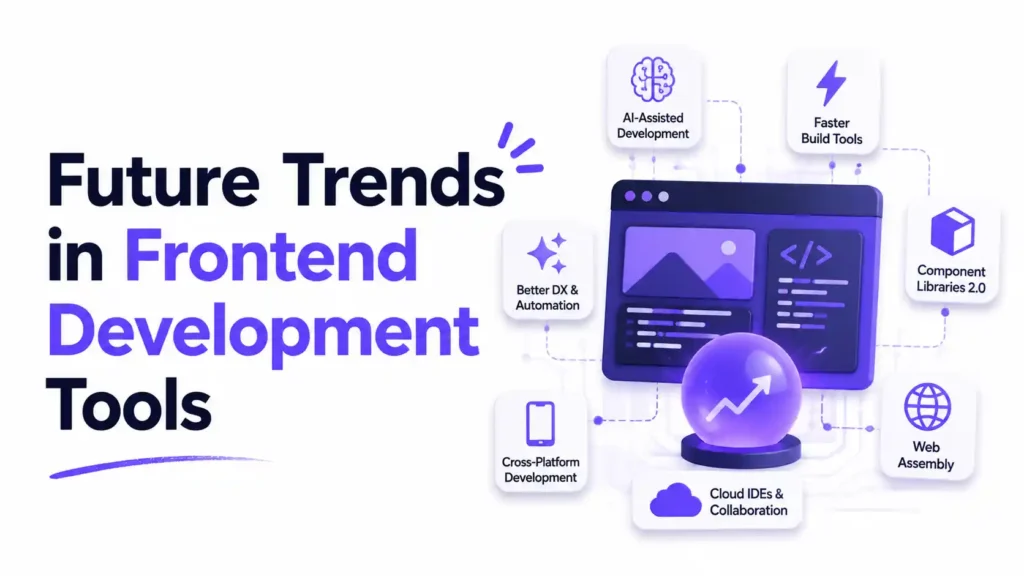
Looking ahead, a few trends are already reshaping the frontend developer tools landscape:
- Agentic AI coding tools that can autonomously handle multi-step tasks across a codebase, not just single-line suggestions.
- Prompt-driven UI development, where developers describe an interface in natural language and get working code.
- AI-assisted accessibility testing, automatically flagging WCAG violations during development rather than after launch.
- Edge-first deployment, pushing frontend logic closer to users through platforms like Cloudflare Pages.
- Model Context Protocol (MCP) tools, allowing AI coding assistants to connect directly with project management, design, and testing tools.
- WebAssembly-powered frontends, enabling near-native performance for computation-heavy web applications.
Frontend teams that stay current with these shifts tend to ship faster and with fewer production issues — but the fundamentals (clean code, good testing, thoughtful design) remain just as important as ever.
Frequently Asked Questions
What tools does a frontend developer need? At minimum, a frontend developer needs a code editor (like VS Code), a version control system (Git and GitHub), a browser with DevTools, and a package manager (npm or pnpm). From there, framework-specific tools, CSS frameworks, and testing libraries round out a complete setup.
Is VS Code enough for frontend development? Yes, VS Code is sufficient for the vast majority of frontend development work. With the right extensions for linting, formatting, and Git integration, it can handle everything from small websites to large production applications.
Which frontend framework is easiest to learn? Vue is often considered the easiest framework for beginners due to its simpler syntax and gentle learning curve, followed by React, which has a larger ecosystem but a steeper initial learning curve involving JSX and hooks.
Is GitHub Copilot free? GitHub Copilot offers a limited free tier for individual developers, with paid plans unlocking higher usage limits and additional features. Pricing and availability can change, so it’s worth checking GitHub’s official pricing page for current details.
Is Vite better than Webpack? For most new projects, Vite offers a faster development experience thanks to native ES module support and instant server startup. Webpack remains a strong choice for projects needing highly customized build configurations or long-term legacy support.
Which package manager should I use — npm, pnpm, or Yarn? npm is the safest default since it ships with Node.js. pnpm is worth switching to for large projects or monorepos due to its speed and disk efficiency, while Yarn remains a solid choice for teams already using its workspace features.
Does Vercel have a free plan? Yes, Vercel offers a free tier suitable for personal projects and small applications, with paid plans available for teams needing more build minutes, bandwidth, or collaboration features.
What is the best browser for frontend debugging? Chrome is the most widely used browser for frontend debugging due to its comprehensive DevTools suite, though Firefox Developer Edition and Safari’s Web Inspector are strong alternatives, especially for cross-browser testing.
How do frontend developers improve Core Web Vitals? Developers improve Core Web Vitals by optimizing image sizes, reducing JavaScript bundle size, using lazy loading, minimizing render-blocking resources, and regularly auditing performance with Lighthouse inside Chrome DevTools.
Are AI coding tools replacing frontend developers? No, AI coding tools are generally viewed as productivity aids rather than replacements. They handle repetitive coding tasks and suggest solutions, but human developers are still needed for architecture decisions, design judgment, debugging complex logic, and code review.
Key Takeaways
- VS Code and WebStorm remain the top choices for frontend code editors in 2026.
- AI coding assistants like GitHub Copilot and Cursor AI are now considered standard parts of a modern workflow.
- Git and GitHub are essential for version control and team collaboration.
- Vite has largely overtaken Webpack as the default build tool for new projects.
- Tailwind CSS continues to dominate as the go-to utility-first CSS framework.
- Chrome DevTools is the primary tool for live debugging and performance auditing.
- Free tools, including browser-based utilities from Mega Free Tools, can cover everyday tasks without adding software bloat.
- Testing tools like Vitest, Playwright, and Cypress are critical for shipping reliable applications.
- Staying current with AI-driven and agentic coding trends is increasingly important for long-term productivity.
Expert Summary
The modern frontend developer toolkit in 2026 blends traditional essentials — code editors, Git, browser DevTools, and CSS frameworks — with AI-assisted coding tools that have become part of everyday workflows. Vite has largely replaced Webpack for new projects, Tailwind CSS dominates styling, and platforms like Vercel and Netlify simplify deployment. While AI coding assistants speed up development significantly, human judgment remains essential for architecture, accessibility, and code quality. Developers who combine strong fundamentals with the right tools consistently ship faster, more reliable frontend applications.
Conclusion
Choosing the right tools doesn’t have to be overwhelming. Start with a solid code editor, learn Git properly, get comfortable with Chrome DevTools, and layer in AI coding assistants and build tools as your projects grow in complexity. The frontend landscape will keep evolving — new AI-native editors, faster bundlers, and smarter testing tools will keep showing up — but the fundamentals covered in this guide will remain the backbone of any professional frontend development workflow.
Call to Action
Ready to streamline your development process? Explore the full Mega Free Tools collection for free utilities that pair well with your coding workflow — from image and PDF converters to text and password tools. Have a specific need not covered here? Contact the Mega Free Tools team or learn more about the project and its mission to keep everyday tools free and accessible for developers everywhere.