
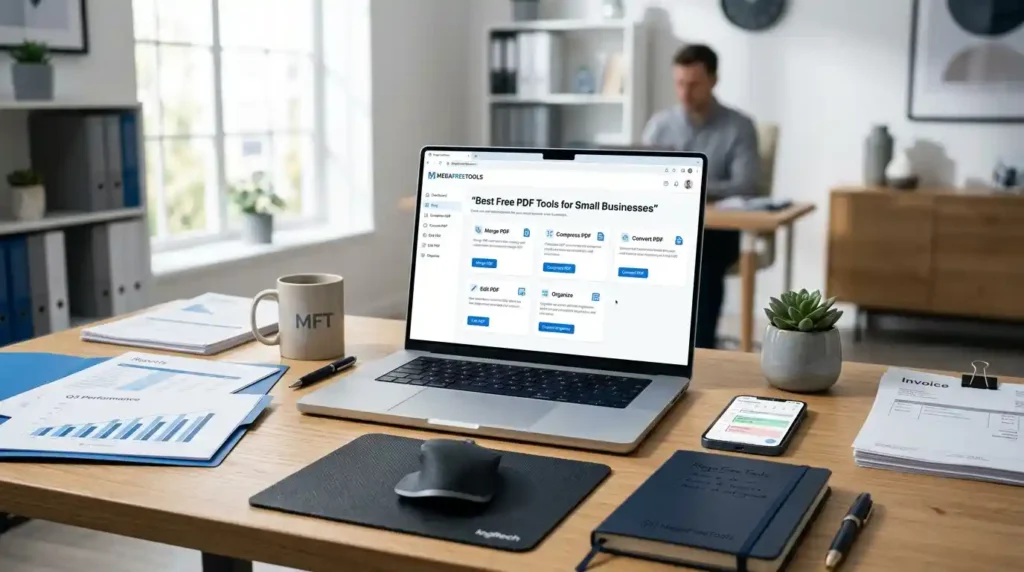
Running a small business means dealing with a mountain of paperwork — invoices, contracts, proposals, tax documents, and reports. Managing all of this efficiently is critical, and the format of choice for most business documents is PDF. The problem? Premium PDF software is expensive. The good news? You don’t need to spend a single rupee or dollar to manage business PDFs professionally in 2026.
Whether you’re a freelancer in Islamabad, an SME owner in Karachi, or a startup founder working remotely, the best free PDF tools for small businesses are available right now — online, without watermarks, and without complicated software downloads.
This guide covers everything: the top tools, practical use cases, step-by-step workflows, and answers to the questions small business owners ask most.
Why Small Businesses Need PDF Tools in 2026
The shift to a paperless office isn’t optional anymore — it’s a competitive necessity. According to global productivity research, businesses that implement digital document workflows save an average of 20–30% in document handling time per week.
For small businesses specifically, PDFs are the backbone of daily operations:
- Sending invoices to clients
- Signing contracts and vendor agreements
- Sharing business reports and proposals
- Submitting tax forms and compliance documents
- Onboarding employees with HR paperwork
Without proper PDF management tools, teams waste hours on formatting issues, email confusion, and version mismatches. Free PDF tools solve this — and in 2026, they’ve become powerful enough to rival paid software.
Common Challenges in Business Document Management
Before we dive into the tools, let’s be honest about what small businesses struggle with when it comes to document handling:
- No central system — documents scattered across email, WhatsApp, and Google Drive
- Inability to edit received PDFs without expensive software
- Large file sizes that make sharing slow and difficult
- Signing contracts remotely without printing and scanning
- Merging multiple PDFs (e.g., invoices + receipts) into one clean file
- Security concerns about sharing sensitive business documents online
The right free PDF software for business eliminates every one of these problems.
Benefits of Free PDF Tools for Small Businesses and Startups
Here’s what small businesses actually gain by using modern free PDF tools:
- Cost savings — No monthly subscription fees
- Time efficiency — Compress, edit, merge, and sign in minutes
- Remote collaboration — Cloud-based tools work from any device
- Professional output — Clean, watermark-free results
- Security — Many platforms use SSL encryption and auto-delete files
- Accessibility — Works on mobile and desktop browsers
- No downloads required — Purely online, browser-based tools
Now let’s look at what tools are actually available and how to use them.
Best Free PDF Tools for Small Businesses in 2026
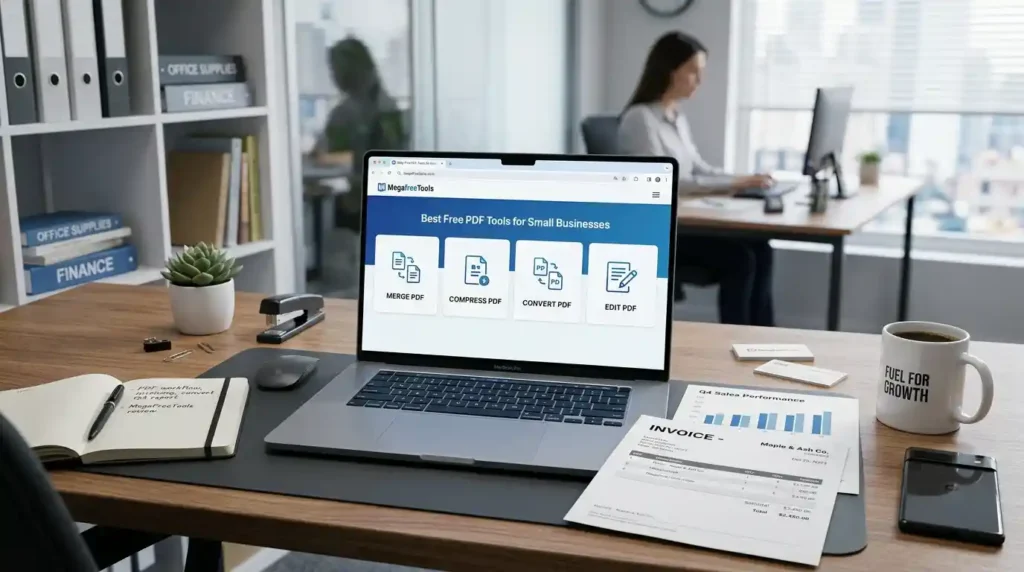
1. Mega Free Tools — PDF Suite
If you want one destination for all your business PDF tools online, Mega Free Tools is built exactly for that. It’s a growing hub of free tools designed for freelancers, entrepreneurs, and small teams. Here are some of the most useful PDF-related tools available:
- PDF Compressor — Reduce file size without quality loss. Perfect for emailing large contracts or proposals. No watermark, no limits on casual use.
- Split PDF — Break a multi-page document into individual pages. Useful when sharing only specific sections of a report with a client.
- Merge PDF — Combine multiple PDFs into one clean file. Ideal for packaging invoices with receipts or combining a proposal with pricing sheets.
- Word to PDF — Convert your business proposals and contracts from Word format into professional PDF files in seconds.
- PDF to Word — Edit a received PDF by converting it to an editable Word document. No more retyping.
- JPG to PDF — Turn scanned invoices or images into PDF format instantly.
- PDF to JPG — Extract pages from a PDF as images for presentations or social media.
- PNG to PDF — Convert logo files, screenshots, and design assets into PDF documents.
- Text to PDF — Write directly and convert plain text notes into PDF format for sharing or printing.
Beyond PDF tools, Mega Free Tools also offers business utilities like a QR Code Generator, Word Counter, Image Compressor, Image Resizer, Background Remover, and even a Watermark Remover — making it a genuine productivity hub for small businesses.
Explore the full Mega Free Tools collection — all free, all browser-based.
2. Adobe Acrobat Online (Free Tier)
Adobe’s free online version allows basic PDF editing, converting, and compressing. The free tier has limitations but works well for occasional use. For businesses that need advanced features regularly, the paid plan becomes necessary — which is where free alternatives like Mega Free Tools shine.
3. Smallpdf
A popular online PDF management platform with tools for compressing, editing, merging, and signing. The free version allows a limited number of tasks per hour, which can be restrictive for high-volume business use.
4. ILovePDF
Great for batch processing — merging, splitting, compressing, and converting multiple files. Widely used by small teams for its clean interface and solid free tier.
5. PDF24 Tools
A German-based tool known for strong privacy practices and a wide range of PDF features — all free. Good for businesses concerned about GDPR compliance and data privacy.
6. Sejda PDF Editor
Offers an online PDF text editor that lets you add, modify, and delete text in existing PDF documents. The free plan limits daily usage but covers basic business editing needs well.
Comparison Table: Free PDF Tools for Small Business
| Tool | Edit PDF | Merge | Compress | Sign | Watermark-Free | Cost |
|---|---|---|---|---|---|---|
| Mega Free Tools | ✅ | ✅ | ✅ | — | ✅ | Free |
| Smallpdf | ✅ | ✅ | ✅ | ✅ | ✅ (limited) | Free / Paid |
| ILovePDF | ✅ | ✅ | ✅ | ✅ | ✅ | Free / Paid |
| PDF24 | ✅ | ✅ | ✅ | ✅ | ✅ | Free |
| Sejda | ✅ | ✅ | ✅ | ✅ | ✅ | Free (limited) |
| Adobe Acrobat Online | ✅ | ✅ | ✅ | ✅ | ✅ | Free / Paid |
Practical Use Cases: How Small Businesses Use Free PDF Tools
📄 Invoicing and Billing
Instead of printing and scanning invoices, use a Word to PDF converter to create clean, professional invoice PDFs. Then compress them with the PDF Compressor before emailing to clients.
📝 Contract Management
Draft contracts in Microsoft Word or Google Docs, then convert to PDF for sending. Use a PDF signing tool like ILovePDF or PDF24 to add digital signatures. For editing a received contract, use the PDF to Word tool to make changes, then convert back.
📊 Business Reports and Proposals
Merge individual sections of a business report using the Merge PDF tool, then compress the final file before sharing with stakeholders.
🖼️ Marketing and Branding
Convert product images and design assets using the JPG to PDF or PNG to PDF tools when preparing digital catalogs or client presentations.
🔍 Scanned Documents
If a document arrives as a scanned image, convert it to a searchable PDF format, or use an OCR-enabled tool to extract editable text. This is especially useful for paper-heavy businesses transitioning to digital workflows.
Step-by-Step Business PDF Workflows
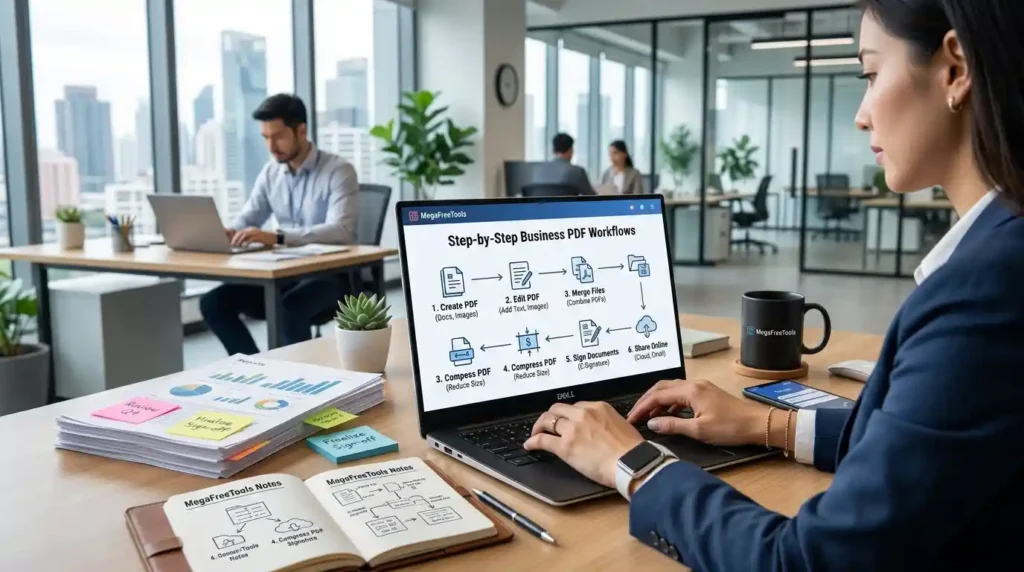
How to Compress a PDF for Email (Small Business Workflow)
- Go to megafreetools.com/pdf-compressor
- Upload your PDF file
- Select compression quality (high quality or smaller size)
- Download the compressed PDF
- Attach to your email — done in under 60 seconds
How to Merge PDFs for a Business Report
- Visit Merge PDF tool
- Upload all PDF files you want to combine
- Arrange pages in the desired order
- Click Merge and download the final document
How to Convert Word to PDF Without Losing Formatting
- Open megafreetools.com/word-to-pdf
- Upload your .docx or .doc file
- Click Convert
- Download the perfectly formatted PDF
Security and Privacy Considerations for Business PDF Tools
One of the biggest concerns for small business owners is: “Are free PDF tools safe?”
The answer is: it depends on the platform, but most reputable tools take security seriously. Here’s what to look for:
- SSL encryption — Ensures files are transferred securely
- Auto-deletion — Quality platforms delete uploaded files within 1–24 hours
- No account required — Reduces data exposure
- Clear privacy policies — Read them before uploading sensitive documents
For highly confidential documents (legal contracts, tax records, financial statements), consider using offline PDF tools or ensure the platform explicitly states it doesn’t store files.
Platforms like PDF24 (based in Germany) follow strict GDPR data privacy standards, making them a solid choice for businesses with compliance requirements.
For general business use — compressing a proposal, converting an invoice, merging reports — browser-based free tools like Mega Free Tools are completely safe and practical.
Mobile vs. Desktop: Which Is Better for Business PDF Management?
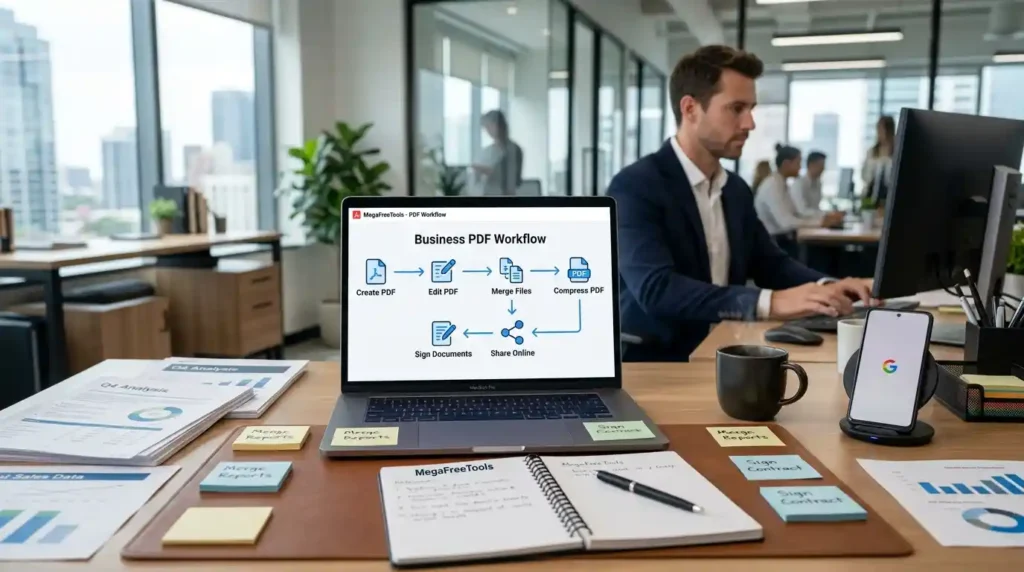
In 2026, the distinction barely matters. Most top online PDF tools for companies work equally well in mobile browsers. That said:
Mobile is better for:
- Quick scans and conversions on the go
- Signing documents remotely
- Compressing and sharing files from your phone
Desktop is better for:
- Editing long documents
- Batch processing multiple files
- Detailed page rearrangement or merging
Mega Free Tools works smoothly on both, requiring no app download — just your browser.
Also Explore These Related Resources
For businesses looking to expand their digital toolkit beyond PDF management, these platforms offer complementary value:
- Toolify Worlds — A comprehensive resource for discovering and comparing online productivity tools for modern workflows.
- Baco Consultants — Professional consulting support for businesses looking to optimize their digital document and operational strategies.
Also check Mega Free Tools’ other productivity features, including the Online Notepad, Case Converter, Color Picker, JSON Validator, and Password Generator — all free, all instant.
Frequently Asked Questions (FAQ)
What are the best free PDF tools for small businesses?
The best free PDF tools for small businesses in 2026 include Mega Free Tools, PDF24, Smallpdf, ILovePDF, and Sejda. These platforms offer features like merging, compressing, editing, converting, and signing PDFs — all without watermarks on the free tier.
Can small businesses use PDF tools for free?
Yes. Multiple platforms offer robust free tiers with no watermarks. Mega Free Tools, for example, provides PDF compression, merging, splitting, conversion, and more — completely free with no account required.
How do I edit business PDF documents online?
Visit a free online PDF editor like Sejda or use the PDF-to-Word conversion at megafreetools.com/pdf-to-word, make your edits in Word, and convert back to PDF using megafreetools.com/word-to-pdf.
What is the best PDF tool for invoices and contracts?
For invoices, a Word to PDF converter paired with a PDF compressor is ideal. For contracts, a tool with digital signature support (like ILovePDF or PDF24) works best. Mega Free Tools covers the conversion and compression side efficiently.
Are free PDF tools safe for business use?
Yes, when using reputable platforms. Look for SSL encryption, automatic file deletion, and clear privacy policies. For extremely sensitive documents, use offline tools or verify the platform’s data handling practices.
How can small businesses manage PDF files efficiently?
Create a simple digital workflow: store files in Google Drive or OneDrive, use free tools for editing and compressing, and use a PDF signing tool for approvals. Platforms like Mega Free Tools centralize most of these needs in one place.
Which PDF tool is best for startups?
For startups, Mega Free Tools and PDF24 are ideal — both are completely free, require no subscription, and cover the most common business PDF tasks. Startups in Pakistan and South Asia benefit especially from tools with no geo-restrictions.
Can I sign business documents using free PDF tools?
Yes. Tools like Smallpdf, ILovePDF, and PDF24 allow you to add digital signatures to PDFs on their free plans. For simple sign-and-send workflows, these platforms work excellently for small business contracts.
Conclusion: The Right PDF Tools Can Transform Your Small Business
In 2026, there is absolutely no reason for a small business to pay for basic PDF management. The landscape of free PDF software for business has matured significantly — you can compress, merge, split, edit, convert, and sign documents without spending a penny or dealing with watermarks.
For the most streamlined experience, Mega Free Tools brings together all the PDF tools a small business regularly needs, plus a growing suite of productivity utilities — from image tools to text converters — all in one clean, fast, browser-based platform.
Start managing your business documents smarter. Visit Mega Free Tools and explore all available free tools today — no signup, no downloads, no cost.
Looking for specific tools? Browse the full Mega Free Tools collection, learn more on the About Us page, or Contact Us with any questions about available services at megafreetools.com/services.

