
We’ve all been there: you receive a Portable Document Format file that needs a quick change—a typo in a resume, a date on a contract, or an image that needs swapping—but you don’t have expensive software like Adobe Acrobat Pro installed. In the past, editing a PDF felt like trying to carve stone, but thanks to online PDF editing tools, that has completely changed.
Today, you can edit PDF documents online directly through your browser. Whether you need a PDF editor free without download for a quick fix or a comprehensive cloud PDF editor for complex workflows, the options are endless. In this guide, we will explore the best free online PDF editor tools, how to use them safely, and why Mega Free Tools is becoming the go-to hub for digital document modification.
What is an Online PDF Editor?
An online PDF editor is a web-based editing platform that allows users to modify PDF online without installing heavy software. These tools use browser-based PDF editor technology to render the document, allowing you to add text to PDF online, annotate PDF online free, and even edit scanned PDF online using OCR (Optical Character Recognition).
Benefits of Using Free PDF Tools
- Zero Installation: No need for “PDF editor free download” or worrying about disk space.
- Cross-Platform: Works as a PDF editor for Mac, Windows, Linux, and even mobile browsers.
- Cost-Effective: Access free PDF editing software online that rivals paid versions.
- Speed: Ideal for quick tasks like filling PDF forms online or using a PDF text editor for minor tweaks.
Top 10 Best Free Online Tools to Edit PDF Documents
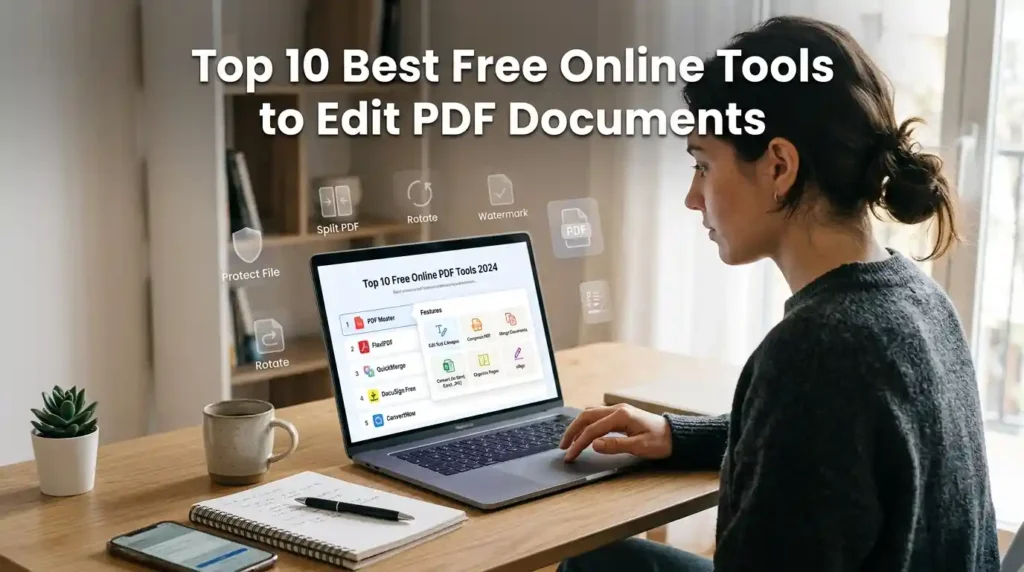
When searching for the best free PDF editor online, you need a balance of features, security, and ease of use. Here is a comparison of the top-rated PDF manipulation tools available today.
| Tool Name | Best For | Key Feature |
| Smallpdf | General Use | Simple interface & cloud integration |
| ILovePDF | Batch Processing | Excellent PDF merge tool & compression |
| Sejda PDF Editor | Text Editing | Truly allows you to change text in PDF |
| PDFescape | Small Files | Best PDF editor no signup required |
| Mega Free Tools | Multi-Tasking | All-in-one PDF workflow tools & converters |
| Canva PDF Editor | Design | Best for visual PDF layouts |
| PDF Xchange Editor | Advanced Users | Powerful PDF annotation tools |
| Google Drive | Basic Edits | Great for converting PDF to editable text |
| Foxit Online | Security | Trusted secure online PDF editor |
| Microsoft Edge | Annotations | Best browser-based document editing |
1. Sejda PDF Editor
Sejda is one of the few free online PDF editor tools that actually lets you edit the existing text in the document, not just overlay new text.
- Pros: Edit PDF text directly; supports digital document workflow.
- Cons: Limits of 3 tasks per hour on the free tier.
- Pro Tip: Use Sejda when you need to remove text from PDF or fix a typo in the original file.
2. Mega Free Tools
If you are looking for a fast, secure online PDF editor for sensitive documents, Mega Free Tools offers a suite of online PDF tools designed for efficiency. Unlike other sites that feel cluttered, this platform focuses on a minimalistic premium personal branding aesthetic for its interface.
- Key Service: You can easily Merge PDF or Split PDF to organize your files.
- Why Choose Mega Free Tools? It provides a PDF to Word converter that makes any document fully editable in seconds.
3. ILovePDF
A powerhouse for PDF manipulation tools, ILovePDF is famous for its PDF conversion tool capabilities.
- Features: Merge and edit PDF online, PDF ocr tool, and watermark addition.
- Mobile Use: Excellent PDF editor for mobile via their web interface.
Step-by-Step: How to Edit a PDF Online for Free
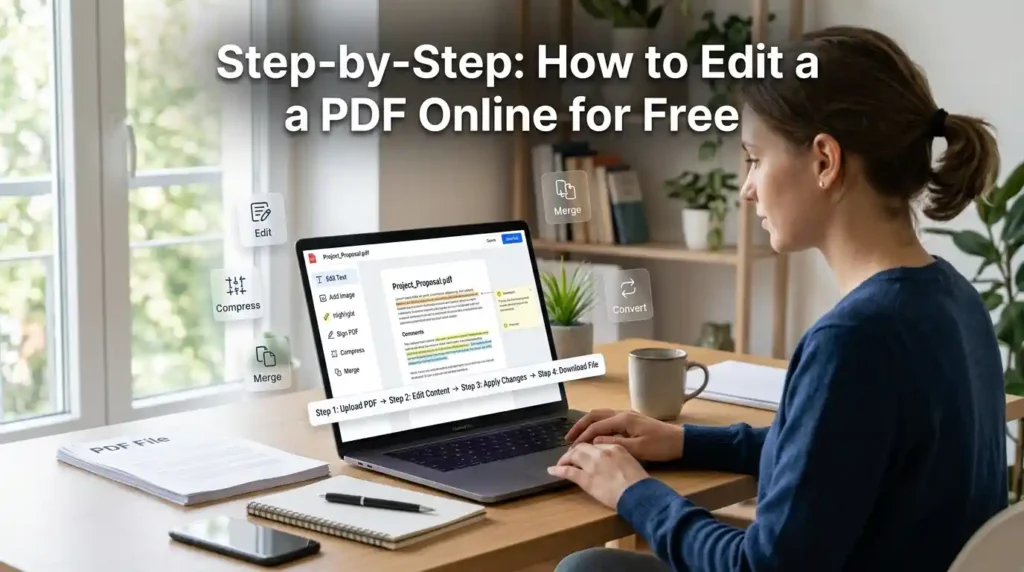
Regardless of the tool you choose, the process for modifying a PDF file is generally the same. Follow these steps to edit PDF online free without downloading software:
- Upload: Drag your file into the online PDF editing tools interface.
- Select Tool: Choose between “Edit Text,” “Annotate,” or “Fill & Sign.”
- Modify: Use the PDF text editor to change text in PDF or the image-to-pdf tool to insert graphics.
- Save/Export: Once finished, click ‘Apply Changes’ and download your edit PDF online free version.
For those working with images, you might need to convert JPG to PDF or PNG to PDF before you begin the editing process.
Essential PDF Tools for Students and Professionals
Efficiency is key in a professional environment. Here are the PDF workflow tools you should keep in your bookmarks:
- For Size Management: Large files are hard to email. Use a PDF Compressor to convert PDF file to smaller size without losing quality.
- For Data Entry: If you have data in a document, a PDF to Excel converter tool can save hours of manual typing.
- For Content Creation: Use Text to PDF or even a Word to PDF tool to ensure your formatting stays locked across all devices.
Expert Insight: According toGoogle’s Digital Trends, over 70% of professionals now prefer web-based editing platforms over desktop software for “quick-turnaround” document tasks.
Safety and Privacy: Are Online PDF Editors Safe?
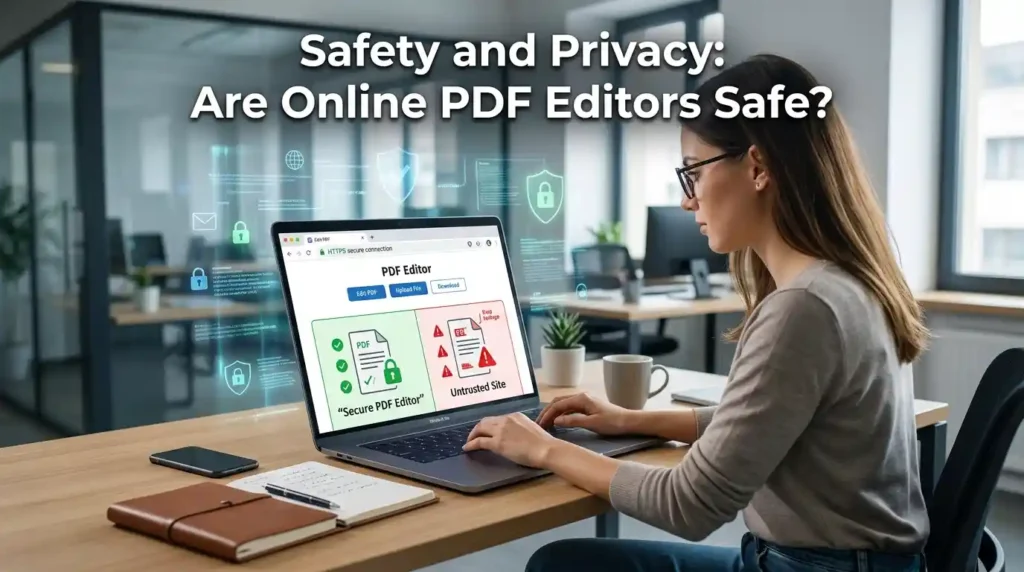
A common question is: “Are online PDF editors safe to use?” When handling sensitive documents, you must be cautious.
How to Stay Secure:
- Check for Encryption: Ensure the site uses HTTPS and has a clear PDF data privacy policy.
- Automatic Deletion: Reputable sites like Mega Free Tools and Toolify Worlds delete your files from their servers within a few hours.
- Client-Side Processing: Some browser-based PDF editor tools process the file entirely on your computer (client-side), meaning the file is never uploaded to a server.
- Avoid Malware: Never use a site that asks you to download an “.exe” file to “enable” the free PDF editor online.
Advanced Features: More Than Just Editing
Modern PDF tools do more than just edit text. If you are building a professional brand or managing a business, consider these utilities:
- Branding: Use a Watermark Remover to clean up professional assets.
- Organization: Word Counter tools help ensure your PDF reports meet specific length requirements.
- Conversion: If you need to share images from a PDF, use PDF to JPG to extract pages as high-quality images.
For those in technical or corporate sectors, consulting with experts like Baco Consultants can help streamline your digital document modification workflows for better compliance and efficiency.
FAQs
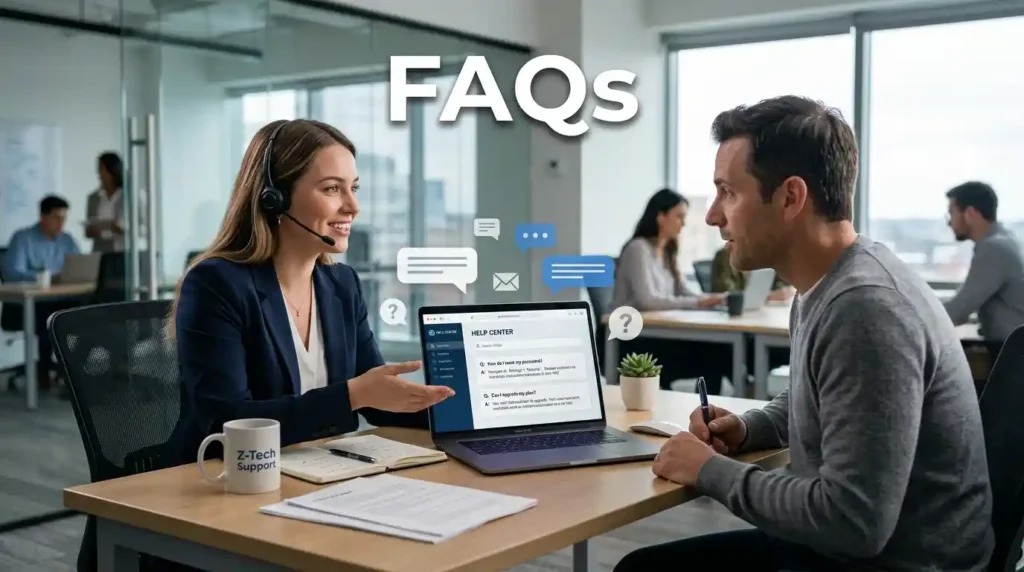
What is the best free online PDF editor?
The best free PDF editor online depends on your needs. For direct text editing, Sejda is excellent. For a comprehensive suite of online PDF tools including merging and converting, Mega Free Tools is a top choice.
How can I edit a PDF file online for free?
To edit PDF online free, upload your document to a web-based editing platform, use the provided PDF editing tool to make changes, and download the updated file. No software installation is required.
Is there a PDF editor that works without download?
Yes, tools like Smallpdf, ILovePDF, and Mega Free Tools are browser-based PDF editor options that allow you to edit PDF documents online without downloading any apps.
Are online PDF editors safe to use?
Most trusted PDF editor online platforms are safe if they use SSL encryption and have an automatic file deletion policy. Always avoid “free pdf editor” sites that look suspicious or lack a privacy policy.
Can I edit scanned PDFs online for free?
Yes, by using an online PDF ocr tool, you can convert a scanned image into a digital document with editable text. Many online PDF editing tools now include basic OCR for free.
Conclusion: Elevate Your PDF Workflow
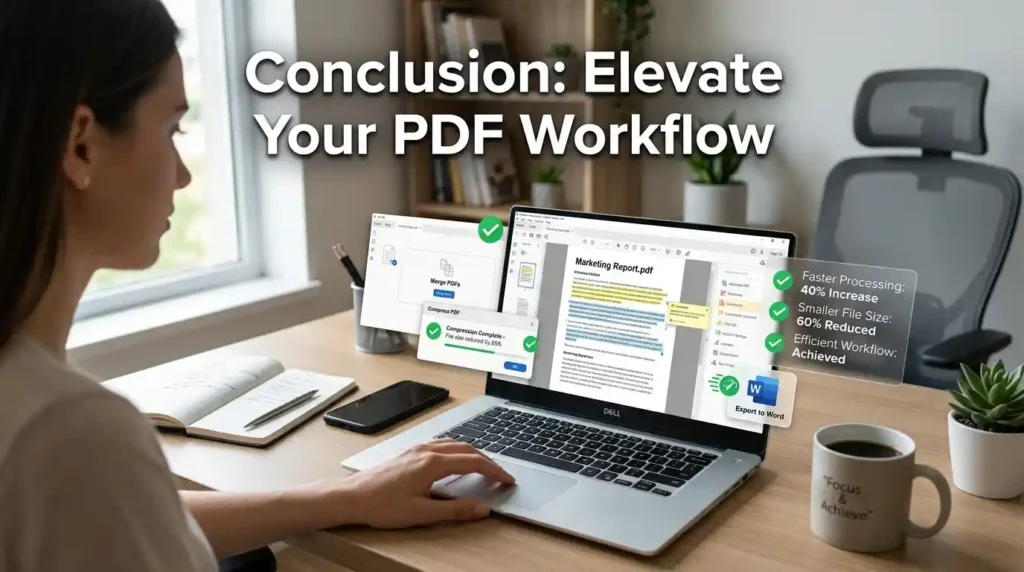
Finding the best free online tools to edit PDF documents doesn’t have to be a chore. By utilizing cloud PDF editor technology, you can modify PDF online, sign documents, and merge files in seconds.
Whether you are a student using a free PDF editor online for job application forms or a professional needing secure online PDF editor services, the tools mentioned above provide the flexibility you need.
Ready to streamline your documents?
Explore Advanced Free tools at Mega Free Tools and discover how our Notepad Online, QR Code Generator, and Image Resizer can make your digital life easier.
Stop struggling with rigid files and start using the best tools to edit PDF documents today!

